Is Icon A Good Golf Cart?
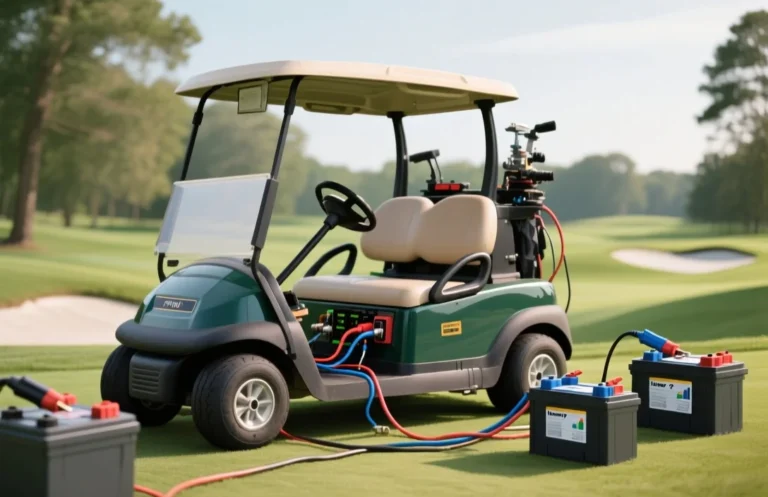
Battery health and compatibility decide if an ICON golf cart is a good fit. The key spec is the battery voltage the cart uses and its remaining capacity, because a wrong charger can damage the pack. The common mistake is assuming every ICON model shares one charger and one battery type. Start by reading the battery label for voltage and checking the charger label for compatibility.
Icon golf carts vary by model; a good pick if you pick a newer unit with solid maintenance history. The decision hinges on battery health, charger compatibility, and warranty. Check battery health above 80%, verify the system voltage is supported by the charger, and confirm local service is available.
Icon Power Snapshot
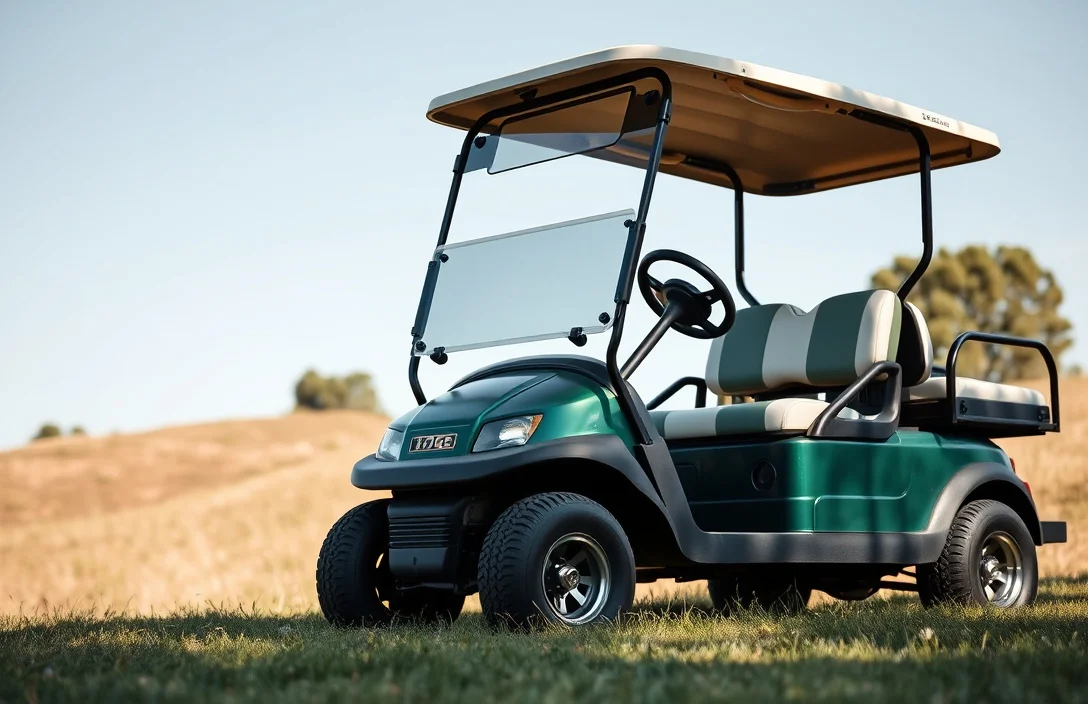
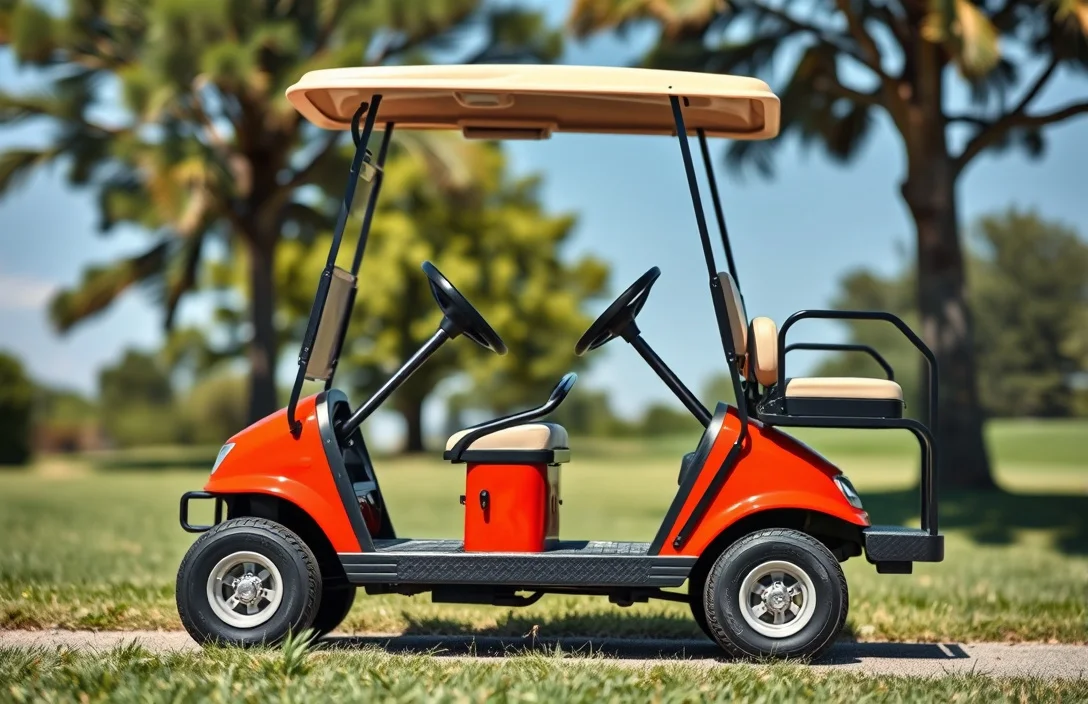
Icon golf carts are designed for performance and reliability, making them a viable option for various applications, including golfing and recreational use. When considering an Icon golf cart, it’s essential to evaluate specific specifications and features to determine if they align with your needs.
Key specifications to verify include:
When an Icon golf cart is a good match:
In practice, understanding these specifications helps make an informed decision.
For instance, if you primarily use the cart for short distances, a lower-capacity battery may suffice, while frequent longer trips would necessitate a higher-capacity option.
Battery Capacity & Runtime
Energy capacity determines potential range and is most clearly expressed in watt-hours. Runtime equals the pack energy divided by the cart’s average power draw, so a simple estimate uses Wh divided by watts. Real-world results vary with speed, terrain, and payload.
Charger Compatibility & Ports

Onboard vs external chargers: Compatibility hinges on matching the cart’s battery voltage and the charger port. Use the cart’s OEM charger or an approved external unit that supports the same voltage, current, and connector. If you choose a third party, confirm these specs and safety features before connecting.
Voltage and current: Verify the charger’s output matches the battery pack rating and the vehicle’s BMS. A charger with too little current will run slowly, while excessive current can trigger heat buildup or safety protections.
Connectors: The inlet and plug style must align with the cart’s charging port; using an incompatible connector can damage the pack or void warranty.
Smart charging features: Favor models that include temperature sensing, automatic shutoff at full charge, and adjustable charge profiles for different chemistries. These features help protect long-term capacity for both lead-acid and lithium packs.
Important safety note: Never bypass the built-in battery management system or use a charger not rated for your pack. Overcharging, overheating, or mismatched voltage can cause gas buildup, swelling, or fire risk.
| Aspect | What to check | Why it matters |
|---|---|---|
| Voltage class | Cart battery voltage (36/48/72 V, etc) | Mismatch can prevent charging or damage cells |
| Charger current | Amperage rating vs battery capacity | Affects charging time and safety margins |
| Connector type | Inlet and plug compatibility | Incompatible connectors risk equipment damage |
| Smart features | Temperature sensing, auto shutoff, chemistry-aware profiles | Protects battery health and extends life |
Thermal Safety & Heat
Battery packs heat up during charging and heavy use. Staying within a safe temperature window reduces swelling risk and slows capacity loss, while extreme heat or cold accelerates aging and performance drop.
Heat comes from internal resistance, high current draw on hills, and rapid charging. Hot ambient conditions make cooling harder, so a sunny day or long climbs push pack temperatures higher than ideal.
Different chemistries tolerate heat and cold differently, and the recommended temperature window can vary by design. If your cart uses lithium chemistry, keep charging temps within a tighter range and avoid charging when the pack is already warm.
For storage, keep the pack in a cool, dry place and at a partial state of charge to minimize self-discharge and aging. If the cart will sit for weeks or months, follow the manufacturer guidelines on float or standby voltage and avoid leaving it in direct sun or a hot trunk.
In practice, a hot afternoon on a steep course can push the pack above its comfortable temperature quickly. If you notice excessive heat or rising temperatures during charging, pause charging, move the cart to shade, and let the pack cool before resuming.
Storage & Replacement Triggers

Storage best practices preserve capacity and prolong life for ICON cart batteries. Keep the pack out of direct sun and heat, in a cool, dry area, and charge to a partial state before long-term storage. Disconnect loads and clean terminals to prevent corrosion.
For long storage, target a partial charge when the chemistry is unknown, and keep ambient temperatures in a moderate range. Provide ventilation if stored where venting might occur, and inspect periodically to catch signs of distress before the pack is put back into service.
Replacement becomes prudent when the stored energy capability falls below a practical level, or the cycle life indicated by the manufacturer has been reached. If the battery cannot sustain a meaningful charge or the delivered energy diminishes significantly after repeated cycles, plan a replacement. A common practical trigger is a noticeable, sustained capacity loss of about 20 to 30 percent from the original rating, or when the stated cycle life is exhausted.
| Indicator | What it signals | Recommended action |
|---|---|---|
| Reduced capacity | Battery cannot hold the expected charge for a usable period | Benchmark against spec; plan replacement if losses persist |
| Excessive swelling or venting | Physical deformation or pressure signs | Stop using immediately; isolate and replace |
| Frequent hard discharges | Voltage drops quickly under load | Test remaining capacity; replace if below functional threshold |
| End-of-life cycle count | Approaching or surpassing manufacturer cycle life | Upgrade to compatible, higher-cycle chemistry if available; replace |
Handle any sign of damage with caution. If you notice swelling, leakage, or strong odors, treat the pack as hazardous and seek professional assessment before reuse.
Handling and disposal safety keep people and property protected. Wear eye protection and gloves when inspecting or moving packs. Do not puncture, crush, or mix chemistries, and transport damaged batteries to an approved recycling facility rather than putting them in curbside trash.
If you are unsure about the health of the ICON golf cart battery, consult the official manuals or reach out to support for replacement intervals and disposal guidance. Regular health checks help prevent unexpected outages and maintain safe operation.
Real-World Fit & Upgrades
In practice, Icon golf carts share the common 48-volt footprint, so upgrades that fit mainstream models can work. The real constraint is the battery bay size, mounting points, and the weight of a larger pack, which can affect suspension and wiring if mis-sized. Always verify exact dimensions, mounting locations, and clearance before swapping packs in a single cart or a fleet.
Buying Checks & Troubleshooting
A reliable pre-purchase signal is complete battery documentation, known age, and an intact service history. Verify the pack chemistry, nominal voltage, and documented cycle life, then check for a recent professional diagnostic or load test. Without these records, assume higher risk of failure.
Quick Summary
Current information is insufficient to deem Icon universally good; verify battery size, charger compatibility, and safety before buying.
Frequently Asked Questions
Is the battery compatibility of Icon golf carts good?
You can ensure battery compatibility by checking if the golf cart uses standard 12V or 6V lead-acid batteries. The Icon golf cart is designed to work with these common battery types, which are widely available.
Does the Icon golf cart generate a lot of heat while charging?
While charging, the Icon golf cart can generate some heat, but it should not exceed 40 degrees Celsius. Make sure to charge in a well-ventilated area to avoid overheating.
What is the average runtime of an Icon golf cart on a full charge?
The runtime of an Icon golf cart on a full charge typically ranges from 30 to 50 miles, depending on driving conditions and weight load. Keep in mind that factors like terrain and speed can affect overall performance.
Is it safe to use third-party chargers for Icon golf carts?
It is recommended to use the charger specifically designed for Icon golf carts to ensure safety and optimal charging. Using third-party chargers can risk damaging the battery or reducing its lifespan.
How often should I replace the batteries in my Icon golf cart?
Batteries in an Icon golf cart generally need replacement every 4 to 6 years, depending on usage and maintenance. Regularly check the battery’s condition and performance to avoid unexpected failures.