How to test a golf cart battery charger?
The single spec that matters most is the charger output voltage and amp rating, because a 36V 25A charger is not interchangeable with a 48V 15A unit. A common mistake is using the wrong meter range or expecting the charger to start on a deeply discharged pack. First, set your multimeter to DC volts 0-60V before probing.
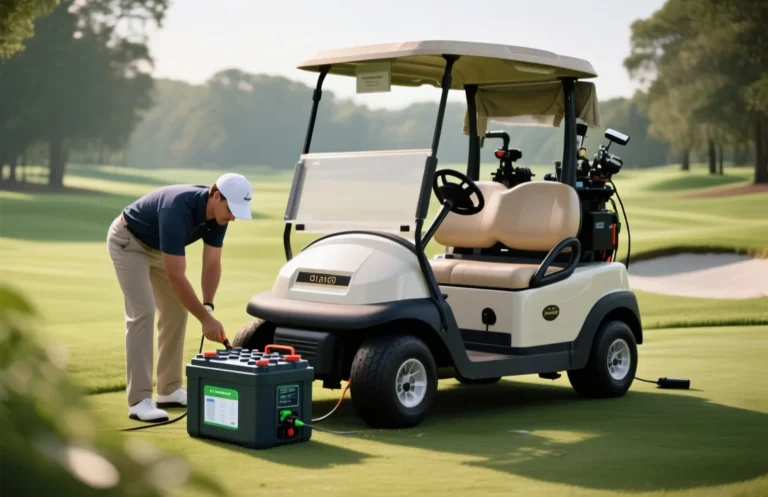
Golf cart battery charger test: check AC mains and fuses, measure no-load DC output (within +/-0.5V of the rated float), then connect a battery and use a DC clamp meter to confirm bulk current near the charger amp rating, tapering to 5-10% within 2-6 hours.
Safety & PPE
Treat every golf cart charger and battery bank as a high current, hazardous system: isolate the AC feed, remove the cart key, and assume terminals can produce dangerous sparks, acid spray, or thermal events. For 6, 8, 12, 24, 36, and 48 volt packs expect strong currents and heavy cables, so follow electrical and chemical safety procedures before touching anything.
Immediate pre-start checklist
Required PPE and tools you must have on hand
Lockout, breaker and fuse handling
| Hazard | Immediate action / PPE |
|---|---|
| Hydrogen gas from charging | Ventilate area, avoid sparks, keep ignition sources away |
| Acid splash | Goggles, face shield, chemical gloves, neutralize with baking soda |
| Sparking/shorts at terminals | Insulated tools, remove jewelry, secure clips, work one-handed where possible |
Warning: Do not open charger housings while AC is connected; capacitors can store lethal voltages. If you are not comfortable with lockout/tagout, wiring verification, or live-current measurement, stop and call a qualified technician.
Tools & Meter Settings
You must have a true RMS digital multimeter, a DC-capable clamp meter, a hydrometer for flooded cells, and an infrared thermometer before you start. For high charging currents add either a rated low-ohm shunt plus voltmeter or an inline DC ammeter, and consider an oscilloscope for ripple checks.
| Pack Voltage | DMM DCV Range | Recommended Input |
|---|---|---|
| 6 V / 8 V | 0-20 V | Set to 20 V DC range, auto-range OK |
| 12 V | 0-20 V | 20 V DC range, 10 A jack for current checks if needed |
| 24 V / 36 V | 0-50 V | 50 V DC range, use mV range for shunt sense |
| 48 V | 0-100 V / 200 V | Use 100 V or 200 V DC range, confirm meter rating |
Read Charger Specs & Values
Before any hands-on testing, copy every specification from the charger label and manual: model, output nominal voltage, maximum charge current, minimum start or activation voltage, chemistry mode, and any LED or error-code legend. Those values set the expected open-circuit voltage, maximum current you should see during bulk, and the pass/fail thresholds for later tests.
For example, a common spec log entry: Model ABC123, 48V DC 25A, float 54.0V, min start 30V, modes Flooded/AGM/Lithium, temp sensor present, LED codes printed in manual. Use that as your baseline when you measure no-load voltage, current under charge, and LED behavior.
| Pack Nominal | Typical Charger Amps | Lead-Acid Float Example | Typical Min Start Voltage |
|---|---|---|---|
| 6V | 6 – 15A | 6.6 – 6.9V | 3 – 4V |
| 8V | 8 – 20A | 8.8 – 9.2V | 4 – 6V |
| 12V | 10 – 50A | 13.2 – 13.8V | 6 – 9V |
| 24V | 10 – 60A | 26.4 – 27.6V | 12 – 18V |
| 36V | 10 – 40A | 39.6 – 41.4V | 20 – 30V |
| 48V | 5 – 60A | 52.8 – 55.2V | 30 – 40V |
Safety note: log and confirm voltage ranges before connecting test equipment, and stop if the label is missing or the case is damaged. Verify the cart/battery manual for chemistry-specific charge voltages and recommended maximum charge current, because mismatched settings cause damage and void warranties.
Initial Checks
Most charger failures are caused by simple AC-side problems: missing or wrong mains, blown input fuse or breaker, reversed outlet wiring, poor earth, or damaged cables. Verifying those items first will save time and prevent unsafe probing on the DC side.
| Check | Quick PASS Criteria |
|---|---|
| AC mains voltage | ~120 V or ~230 V ±10% |
| Input fuse | Continuity near 0 ohms |
| Earth to chassis | <1 ohm resistance, no AC on chassis |
| Outlet wiring | No reversed polarity, ground present |
If any Initial Check fails, fix wiring, replace blown input fuses with the correct type and rating, or consult an electrician. Passing these checks clears the way for safe DC-side testing in the next step.
Testing Procedure
Measure and log four things in order: no‑load DC output, DC output with the battery connected, charging current through bulk/absorb/float, and ripple/waveform; each reading must include a timestamp and test conditions. Use a DMM set to DC volts, a DC clamp meter or shunt for current, and an oscilloscope for ripple when possible, and always follow the safety notes below.
Keep notes of environmental factors like battery temperature and prior battery condition; these influence charging stages and interpretation. If results indicate charger defects, capture waveforms and current logs before opening the unit and get a pro to repair high-voltage components.
Expected Setpoints & PASS/FAIL
A healthy golf cart charger will reach the chemistry‑specific absorption voltage, deliver near its rated current during bulk, then taper to a low float or idle current; if any of those stages miss the expected voltages, currents, or ripple, mark the unit FAIL. Measure voltage with the charger connected and disconnected, watch current during the first 0 – 4 hours, and compare readings to the table below.
Quick tolerance rules: voltage within ±1.5% of target is PASS, current within ±10% of rated bulk is PASS, ripple under 5% (ideal) or under 10% for switching supplies is acceptable; ripple over 15% is FAIL. Always wear eye protection and isolate AC before opening the charger.
| System V | Lead‑acid Bulk/Abs (flooded/AGM) | Lead‑acid Float | LiFePO4 Charge Max | LiFePO4 Float/Idle |
|---|---|---|---|---|
| 6V | 7.2 – 7.35V | 6.6 – 6.9V | 7.0 – 7.3V (2 cells) | 6.4 – 6.8V |
| 8V | 9.6 – 9.8V | 8.8 – 9.2V | 9.6 – 10.95V (cell count varies) | 9.0 – 9.6V |
| 12V | 14.4 – 14.7V (AGM up to 14.8V) | 13.2 – 13.8V | 14.2 – 14.6V (4 cells) | 13.2 – 13.8V (often not used) |
| 24V | 28.8 – 29.4V | 26.4 – 27.6V | 28.8 – 29.2V | 26.4 – 27.6V |
| 36V | 43.2 – 44.1V | 39.6 – 41.4V | 43.2 – 43.8V | 39.6 – 41.4V |
| 48V | 57.6 – 58.8V | 52.8 – 55.2V | 57.6 – 58.4V | 52.8 – 55.2V |
Expected current profile and ripple:
PASS: Charger reaches absorption voltage within tolerance, supplies rated current in bulk, current tapers to float/idle and ripple <10%. FAIL: No DC output, voltage out of range by >±3%, current does not match rated bulk, or ripple >15%.
For example, a 36V lead‑acid charger rated 20A should show ~43.2 – 44.1V at absorption, ~20A during early bulk, tapering to ~1 – 2A float. If voltage is correct with no battery but current is zero when a known good battery is connected, the battery or its BMS is bad, not the charger.
If you hit FAIL, record voltages, currents, and ripple. Replace blown fuses and check for open transformer windings or bad caps before buying a replacement charger. Expect 1 – 3 hours troubleshooting time and $30 – $200 in parts or testing tools before calling an electronics technician.
Component Checks & Troubleshooting
If the charger shows no output, hums, trips, or charges intermittently, most faults are in the input protection, the transformer/rectifier stage, the smoothing capacitors, or the low-voltage control electronics. A systematic set of live and dead tests will isolate whether the fault is the charger, the battery, or wiring.
Safety first. Wear insulated gloves and eye protection, remove metal jewelry, and keep the battery disconnected when probing internal high-voltage points. Use a clamp meter for charging current, a DMM with appropriate voltage range, and an isolation-aware tester if you suspect mains leakage.
Use the table below for expected bulk and float setpoints on typical lead-acid golf cart banks. Tolerances are conservative; verify chemistry and manufacturer recommendations before adjusting chargers.
| Nominal Pack | Typical Bulk V | Typical Float V | Tolerance |
|---|---|---|---|
| 6V | 7.2V | 6.75V | ±3% |
| 8V | 9.6V | 8.4V | ±3% |
| 12V | 14.4V | 13.2V | ±3% |
| 24V | 28.8V | 27.0V | ±3% |
| 36V | 43.2V | 41.4V | ±3% |
| 48V | 57.6 – 59.2V | 54 – 55.2V | ±3% |
Below is a compact troubleshooting matrix mapping common symptoms to likely causes and practical fixes.
| Symptom | Likely Cause | Fix |
|---|---|---|
| No LEDs, no fan | Input fuse, mains, or control supply failed | Check mains, replace input fuse, measure standby rail; replace control board if no standby present |
| Hums loudly, hot chassis | Transformer core or mechanical vibration, or overloaded | Isolate load, measure secondary RMS and distortion; replace transformer or secure mounts |
| Trips breaker or RCD | Leakage to earth, shorted components | Insulation test, disconnect secondary, inspect for shorted diodes or caps; repair ground fault |
| Output present but no charge current | Charger waiting for minimum pack voltage or control failure | Try known-good battery, check control sensing circuit, repair board or replace charger |
| High ripple/half-wave DC | Bad diode(s) or failed smoothing caps | Diode test, ESR/capacitance check, replace bridge or caps |
| Charges then stops early | Thermistor/temperature sensor fault or safety cutoff | Verify temperature sensor resistance, bypass temporarily only for test, replace if faulty |
When tests show charger electronics are within tolerance but charging problems persist, assume the battery pack is the fault and perform a battery health check. If internal SMPS or large transformer replacement is required, compare repair cost to buying a new charger; board swaps can be economical, but safety-critical parts and mains isolation repairs should be done by a qualified technician.
Worked Examples & Checklist
A charger is good when its no-load DC output matches the expected charging voltage, it supplies the rated bulk current that steadily tapers through absorption, and it holds the specified float or maintenance behavior without overheating or showing error codes. If voltage or current readings are off by more than about 10 percent, or the unit shows an error LED and the battery will not accept charge, isolate charger versus battery before replacing components.
For example, Example A below shows a typical 36V lead acid charger log and pass/fail cues. Example B shows a 48V smart charger designed for LiFePO4 packs, and how the charger and a BMS interact.
Example A, 36V flooded lead acid charger (rated 20A). No-load DC measure with battery disconnected: 42.5 V DC (PASS if within 41-44 V). Connect batteries and start charge.
Example B, 48V smart charger for LiFePO4 (CC-CV, 58.4 V cutoff). No-load DC: 58.4 V. With a depleted pack the charger shows steady current at rated value (for example 25 A) until pack reaches 58.0-58.4 V, then current falls toward 0 and charger either stops or enters periodic maintenance pulses.
Isolation test rule: If charger no-load voltage is correct but charging current is zero with a discharged, known-good battery, suspect the battery BMS or connectors. If no-load voltage is absent or noisy, suspect charger internals (fuse, rectifier, caps, transformer or SMPS components).
| Repair | Parts | Labor time | Typical cost range (USD) |
|---|---|---|---|
| Fuse or connector replacement | fuse, lugs | 15-45 min | $5-60 |
| Diode bridge or caps | rectifier, electrolytics | 1-2 hours | $30-200 |
| Transformer replacement or SMPS board | transformer or module | 2-4 hours | $150-500 |
| Full charger replacement | new charger | 0.5-2 hours | $250-900 |
Printable quick flow: check AC, fuses, no-load DC, connect batteries, measure bulk amps, wait for taper, verify float/stop, consult table above. If uncertain or high-voltage parts are involved, call a qualified technician.
Quick Summary
To test a golf cart battery charger, measure its output voltage and charging current under load with a multimeter and clamp meter.
Frequently Asked Questions
How do I test a golf cart battery charger with a multimeter?
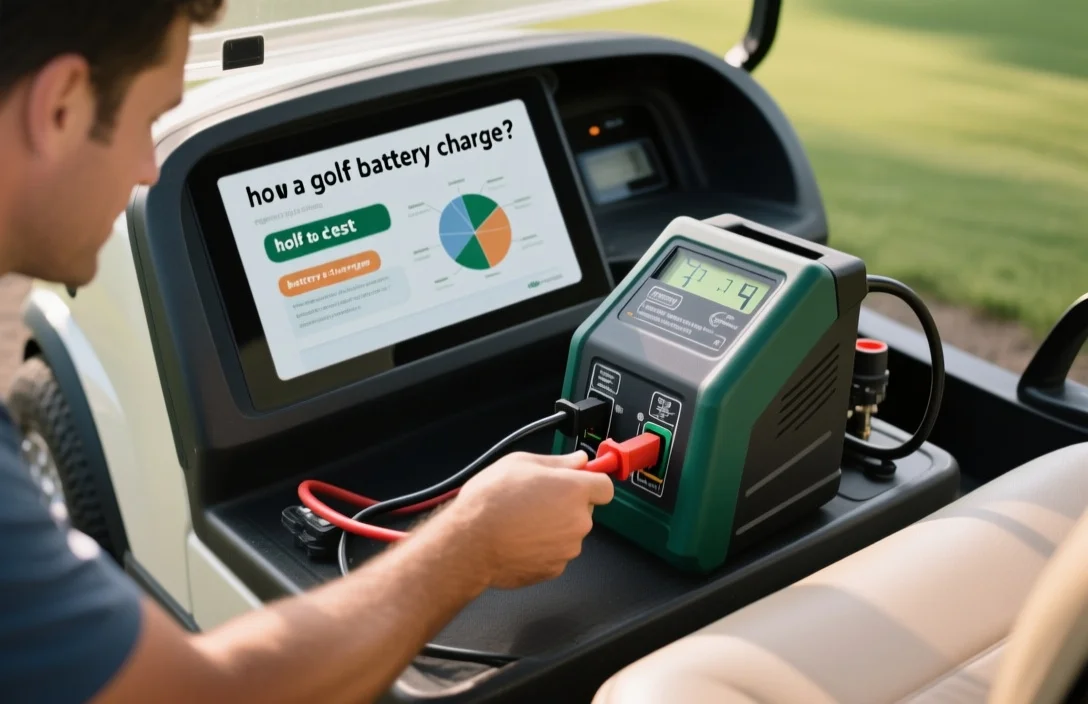
You can set a multimeter to DC volts and measure at the charger output terminals with the charger plugged in, the measured voltage should match the charger rating on the label and be higher than the battery resting voltage. Many golf cart packs are 36V or 48V, and automatic chargers often need about 20-35 volts across the pack to start.
How can I tell if a golf cart charger is overheating during a test?
You can use an infrared thermometer or touch the case briefly, normal warmth is expected but stop testing if you smell burning or see deformation. If the case temperature exceeds about 60 C or you detect a burning odor, disconnect power immediately.
How long should I run a charging test to confirm a golf cart charger is working properly?
You can monitor charging current for the first 10-30 minutes to confirm the charger starts, and continue watching over a few hours to see the expected taper. Many chargers supply roughly 10-25 A initially and the current typically tapers over 4-6 hours.
How do I check if my charger is compatible with my golf cart batteries when testing it?
You can read the charger’s label to confirm voltage and battery chemistry compatibility and verify the charger rating matches your pack voltage. Confirm the charger lists your pack voltage (for example 36V or 48V) and supports the battery chemistry you have, otherwise do not proceed.
What common mistakes should I avoid when testing a golf cart battery charger?
You can avoid testing mistakes by checking fuses, breakers, and connectors first, and by making measurements with the correct multimeter range and safety gear. Do not assume zero output means the charger is bad – use a clamp meter to check for charging current, a healthy charger often delivers in the 10-25 A range depending on model.