How To Fix A Golf Cart That Won T Start?
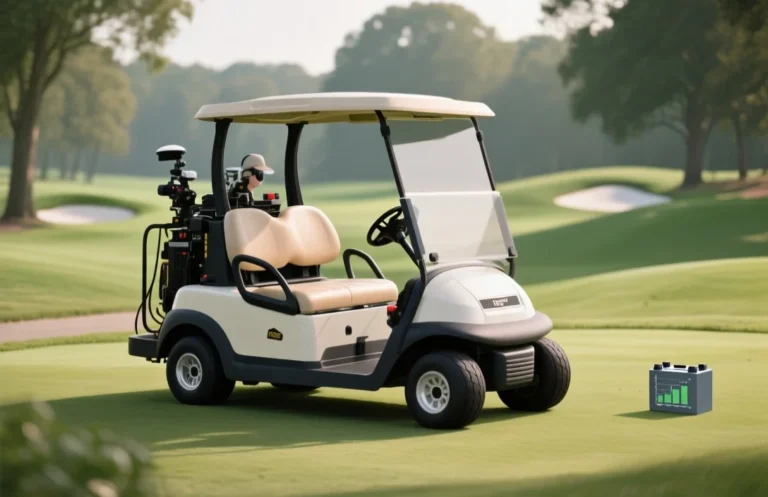
A golf cart that won t start is usually a battery or safety switch problem, not a mystery. The single most important check is the battery pack voltage and health. A common mistake is assuming a strong-looking battery is fine. Start by confirming the pack is above baseline voltage, then test the key switch and safety interlocks.
Battery health and connections. Start with a complete pack voltage check using a digital multimeter. Most golf carts use 36V, 48V, or 72V packs; a fully charged pack should show near its nominal voltage. If below 75 percent of nominal after a full charge, the pack likely needs service or replacement, and tighten terminals.
Check Battery Condition
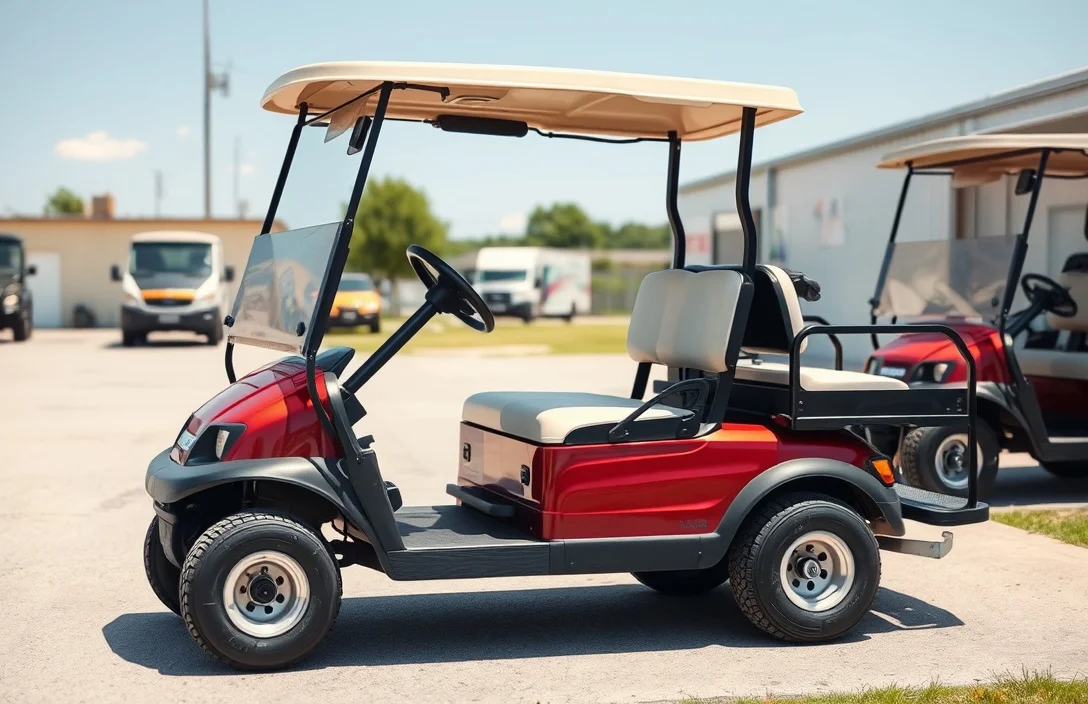
Battery health and charge level are the most common causes a golf cart won’t start. Start with a visual check for swelling, leakage, corrosion on terminals, and damaged cables, then verify the pack voltage to confirm the level of charge.
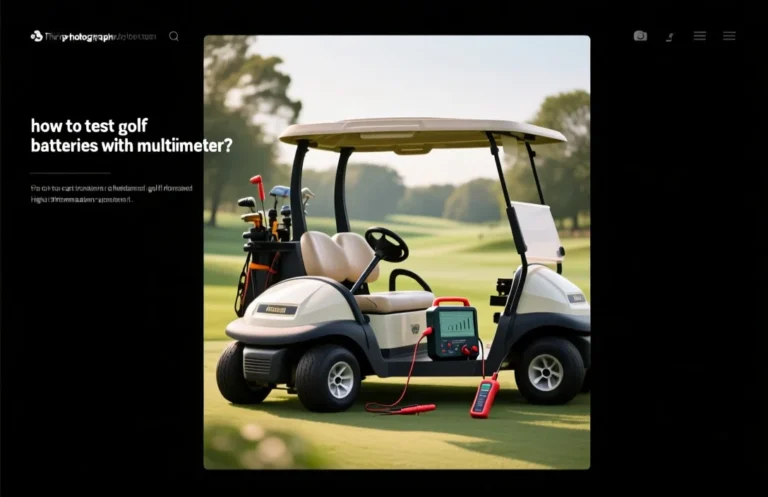
Voltage check confirms whether the pack is actually charged and whether individual cells are balanced. Use a digital multimeter to read the total pack voltage and, if accessible, per-battery voltage within the string.
| Pack Type | Cells | Nominal Pack Voltage | Typical Full-Charge Range |
|---|---|---|---|
| 36V system (6x6V) | 6 | 36V | ~38V |
| 48V system (8x6V) | 8 | 48V | ~50-52V |
Safety reminder: swollen, leaking, or venting batteries require immediate replacement and proper disposal. Do not continue to use or charge damaged packs.
If readings are within range and the cart still won’t start, the issue is unlikely to be battery health in isolation; proceed to the next section to inspect connections and control circuits.
Examine Battery Connections
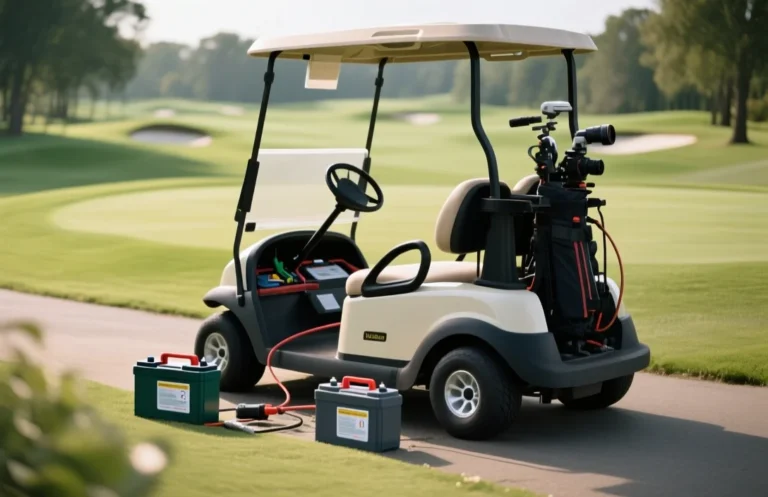
Corrosion on battery posts and loose cables raise electrical resistance, which can prevent the starter from receiving enough current. Clean, tight connections are essential for reliable starting and consistent performance.
Corrosion Issues: White, blue, or green crust on terminals indicates a chemical reaction with moisture or acid. This film increases resistance and can hide a loose clamp, letting the battery pack fail to deliver a solid cranking current. Addressing corrosion early reduces heat buildup and prolongs the life of the battery connections.
Loose Connections: A clamp that is not securely tightened can let a good-looking battery fail to deliver the required current. Vibration from driving, improper tightening, or damaged terminal hardware can loosen connections over time. Tighten all main cables to the manufacturer’s torque spec and inspect for damaged clamps or posts.
For example, a cart that only clicks when you turn the key may have a corroded positive post with a loose clamp. Cleaning the corrosion and reseating the clamp often restores a strong cranking current, eliminating the click and stall symptoms.
| Issue | Symptoms | Recommended Action |
|---|---|---|
| Corrosion on terminals | White powder, dull clamps, poor contact | Clean, inspect for damage, apply dielectric grease after drying |
| Loose cables or clamps | Wiggly connectors, posts move when touched | Tighten to spec or replace damaged clamps/posts |
| Damaged clamp or post | Visible cracks, melted insulation | Replace clamp or whole battery lead as needed |
Safety reminder: if you notice swollen batteries, leaking electrolyte, or heat buildup during inspection, stop and replace faulty packs. Improper handling can cause gas buildup or fire risk, so proceed with caution and consult a professional if unsure.
Test the Charger
Charger output must align with the golf cart’s rated system voltage and current. Measure the DC voltage at the connector with the charger plugged in and verify it matches the label; if the charger cannot supply the expected current, charging won’t reach the packs and the cart may not start.
Charger Output is the primary signal for whether the cart can begin charging. Use a multimeter to check DC output at the plug while the charger is connected to the pack or a known load, and compare to the label on the charger. A mismatch means the charger or its leads require repair or replacement.
| Test step | What it tells you | Typical result |
|---|---|---|
| Label check | Voltage and current rating align with cart | Match expected V and A |
| Open-circuit voltage | Output with no load | Nonzero value close to rated voltage |
| Under-load voltage | Voltage under light load | Stays near rated value |
| Cable condition | Insulation and contacts | No exposed wires, clean contacts |
Safety note: Do not probe live terminals with bare hands. Unplug before inspecting cables or internal parts, and keep away from water or wet environments.
Charging Port Condition affects whether the cart can receive charge. A port with corrosion, bent pins, or moisture can prevent a charger from making a solid connection and keep the cart from starting.
| Symptom | Possible cause |
| Cart won’t start after charging | Port or harness fault blocking charge delivery |
Inspect Fuses and Relays
Fuses and relays act as gatekeepers for the starting circuit. A blown fuse or a stuck starter relay blocks power from reaching the motor, which can leave the cart dead even when the battery is healthy.
Inspect fuse holders and relay sockets for corrosion, heat damage, or loose connections. A loose contact can mimic a blown fuse by interrupting current flow even when the fuse itself is intact.
| Component | Common Location | What to Check | Action |
|---|---|---|---|
| Main Starter Fuse | Battery area or main fuse block | Open circuit indicates a blown fuse | Replace with identical rating |
| Fuse Block | Dash or under-seat panel | Continuity across fuses | Replace any blown fuses with the same rating |
| Starter Relay | Near controller or under dash | Should click and allow continuity when energized | Replace if no click or poor contact |
| Inline Positive Fuse | Along positive lead to starter/controller | Check continuity | Replace with matching type |
After fuses and relays are confirmed or replaced, test the starting circuit again. If the cart still won’t start, the problem likely lies with the motor, controller, or safety interlocks covered in the next section.
Check for Motor Issues
Reliable starting depends on clean motor connections and healthy brushes. Loose, corroded, or damaged cables can block current even with a charged battery, and worn brushes or bearings can prevent the motor from turning smoothly. Inspecting the motor connections and internal moving parts is a practical first step before more invasive tests.
Motor Connections
Symptom → The cart does not respond when the accelerator is pressed, even though the battery and lights are on. Cause → Loose, dirty, or corroded motor power and ground connections restrict current flow and can trigger fault codes. Fix → Disconnect, clean the terminals and contact surfaces with a contact cleaner, dry, then reconnect and snug to spec; install dielectric grease to resist corrosion; replace any damaged connectors.
Symptom → Intermittent starting or dim instrumentation when attempting to start. Cause → A weak or high-resistance connection at the ground strap or battery-to-controller harness. Fix → Inspect ground straps; clean and re-seat; replace frayed or corroded wires; verify continuity with a multimeter.
Symptom → Audible buzzing or arcing at the motor terminals when trying to start. Cause → Damaged insulation or loose terminals causing arcing under load. Fix → Replace damaged cables and terminals; re-crimp or solder only if appropriate; retest under load after reseating all connections.
Brushes and Bearings
Symptom → The motor spins slowly or stops after a brief rotation, even with full power. Cause → Worn carbon brushes or sticking brush springs reduce commutation and stall the armature. Fix → Check brush length, replace worn brushes, and confirm spring tension; inspect the brush holder for binding; ensure the commutator is clean.
Symptom → A grinding or growling noise during startup with little or no rotation. Cause → Seized or worn bearings create resistance and can bind the armature. Fix → Remove the drive cover, check bearing play, lubricate if serviceable, or replace bearings; ensure the motor shaft turns freely by hand.
Symptom → Intermittent starts with no obvious mechanical noise. Cause → Dirt or scoring on the commutator or loose brush springs causing inconsistent contact. Fix → Clean the commutator with isopropyl alcohol, verify brush springs and seating, and replace any damaged brushes or springs.
Look for Safety Cutoffs
Key switch functionality and the seat safety switch are common cutoffs that prevent starting. Verify these are engaged or functioning before pursuing motor or controller faults, as a tripped interlock or loose connection can halt starting even with a charged battery. A quick test or reseat can restore normal operation in many cases.
Warning: Do not bypass safety cutoffs. A failed interlock can indicate an underlying electrical fault that should be diagnosed before continuing to operate the cart.
| Condition | Symptom | Check/Action |
|---|---|---|
| Key switch off or unrecognized | No crank or no dash indicators | Turn key fully, inspect wiring; reseat connectors; replace if contact is worn |
| Seat switch open or faulty | Starter relay does not engage | Check seat switch plunger, test continuity with a meter, replace if no continuity |
Evaluate Controller Functionality
Controller diagnostics reveal fault codes and sensor status that determine why the cart won’t start. Check built-in self-test results and read indicator lights for quick failure clues.
Access the diagnostic interface per model manual. If a scan tool is available, connect it to read fault codes; otherwise, rely on dash indicators or flashing patterns. Note codes and patterns, then pursue targeted checks on power, sensors, and wiring.
Indicator Lights
Safety note: never probe live harnesses or disconnected packs with power present. Disconnect main battery before inspecting wiring or connectors to avoid shock or short circuits.
| Indicator pattern | Likely issue | What to check |
|---|---|---|
| Steady light | Power reaches controller | Check battery voltage, main fuse, and controller input terminals |
| Flashing light | Sensor or throttle fault | Test throttle position sensor, pedal switch, and safety interlocks |
| No lights | Controller not powered | Inspect ignition switch, wiring harness, and primary power circuit |
When to Replace the Battery?
Replacement becomes necessary when the pack can no longer deliver sufficient cranking power or acceptable run time. The two telltale factors are cycle life and performance decline: as cycles accumulate, capacity falls and the pack’s ability to recover from deep discharge fades; as performance drops, voltage sags under load and starting torque weakens.
Cycle Life describes how many charge-discharge cycles a battery is designed to endure before it drops below usable capacity. When your cart battery has reached the end of its published cycle life or shows persistent capacity loss despite normal care, replacement is often the right choice.
Performance Decline includes measurable signs such as higher internal resistance, greater voltage drop when the starter draws current, longer recharge times, heat during charging, and visible swelling or leaks. If you observe these reliably under normal charging and use, schedule replacement and inspect other possible causes.
Quick Summary
To fix a golf cart that won’t start, first check the battery and connections before troubleshooting further.
Frequently Asked Questions
What should I check first if my golf cart won’t start?
You can start by checking the battery connections for corrosion or loose wires, as these are common issues that prevent the cart from starting.
How can I test if the battery is dead?
Use a multimeter to measure the battery voltage; if it’s below 12 volts, the battery may need charging or replacing.
Is it safe to jump-start a golf cart battery?
Yes, but be sure to connect the jumper cables in the correct order to avoid damage to the electrical system or batteries.
How often should I replace my golf cart batteries?
Typically, golf cart batteries should be replaced every 4 to 6 years, depending on usage and maintenance.
What common mistakes should I avoid when troubleshooting my golf cart?
A common mistake is overlooking the battery water levels; low water can lead to battery failure, so it’s important to check regularly.